Vice City / Android/iOS / Mod
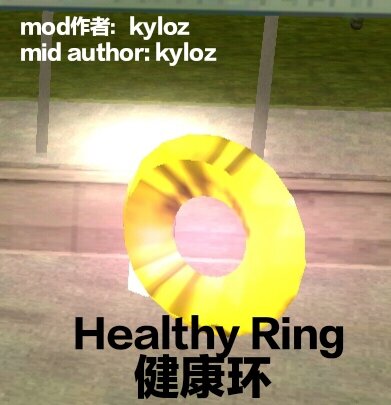
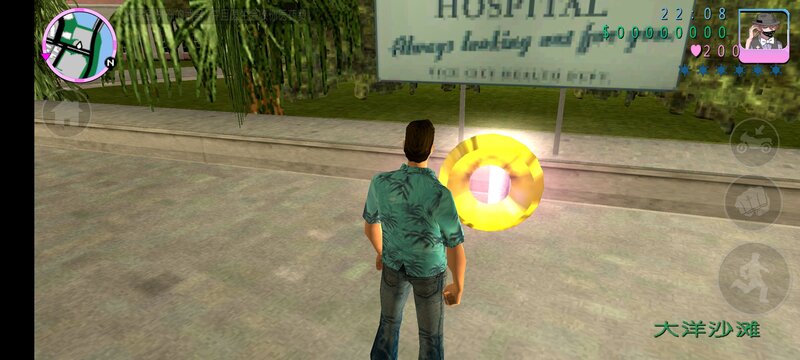
Healthy Ring for Mobile
- GTA Little Soup Soup(Promulgator) | di-upload oleh GTA Little Soup Soup
- 03/02/2025
- 1646 Jumlah download
Rating:
Login dulu, ya.
Favorit:
Videos
Belum ada video yang ditambahkan.Kamu harus login untuk menambahkan video ke mod ini.
Deskripsi
[Mod Author] kyloz
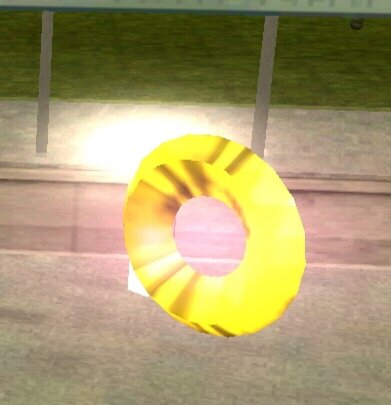
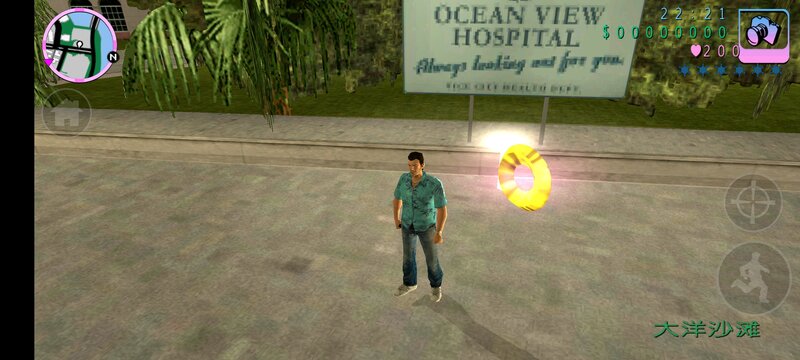
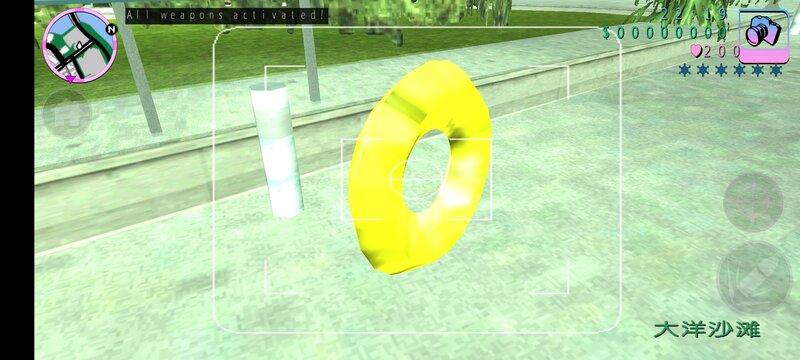
[Weapon Introduction] This is a shiny, dazzling and rather peculiar ring crafted by a master. Its name is the Health Ring.
The model is a total of 6kb in size. You need to prepare the ES File Explorer, TXD TOOL, and IMG TOOL.
Open the ES File Explorer, click on Internal Storage, then click on Android, and then click on obb. When you see the folder with the Grand Theft Auto: Vice City icon, click to enter it. Rename the file inside and add a ".obb" to it. Then click on the compressed package, and extract the files named gta3hi and gta3 (two files) from the texdb folder. After that, unzip the dff.zip and txd.zip files in this compressed package (there are dff models and textures inside).
Click on IMG TOOL, open the gta3.img file in the texdb folder, search for "healthy", and then delete it. Then find the unzipped Health Ring (healthy.dff) and put it in.
Then open TXD TOOL, click on the first picture in the lower right corner in the gta3hi.txt file, select all pictures, and then click on Umcompressed 32bpp. Just select "Overwrite".
[Weapon Introduction] This is a shiny, dazzling and rather peculiar ring crafted by a master. Its name is the Health Ring.
The model is a total of 6kb in size. You need to prepare the ES File Explorer, TXD TOOL, and IMG TOOL.
Open the ES File Explorer, click on Internal Storage, then click on Android, and then click on obb. When you see the folder with the Grand Theft Auto: Vice City icon, click to enter it. Rename the file inside and add a ".obb" to it. Then click on the compressed package, and extract the files named gta3hi and gta3 (two files) from the texdb folder. After that, unzip the dff.zip and txd.zip files in this compressed package (there are dff models and textures inside).
Click on IMG TOOL, open the gta3.img file in the texdb folder, search for "healthy", and then delete it. Then find the unzipped Health Ring (healthy.dff) and put it in.
Then open TXD TOOL, click on the first picture in the lower right corner in the gta3hi.txt file, select all pictures, and then click on Umcompressed 32bpp. Just select "Overwrite".
Komentar
Sudah ada 2 komentar.