San Andreas / Senjata / Paket senjata
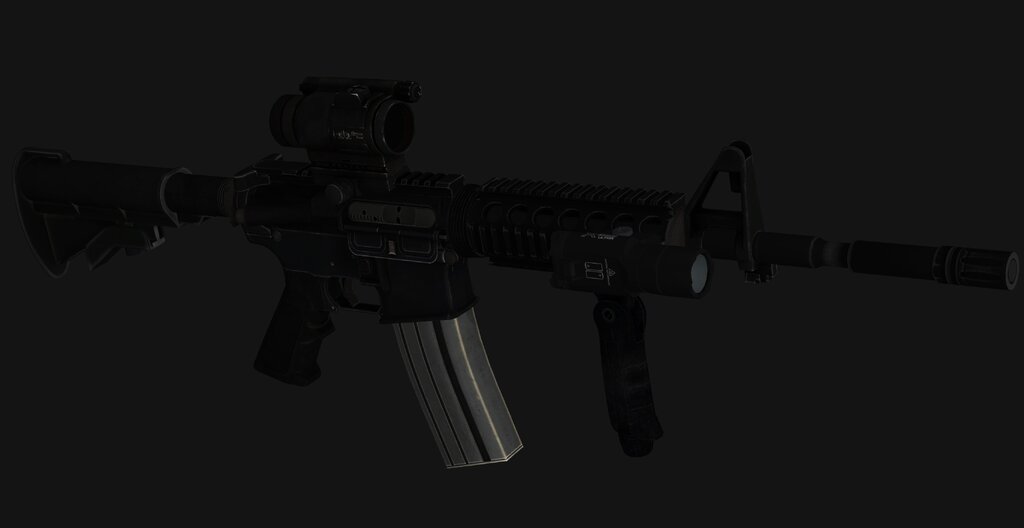
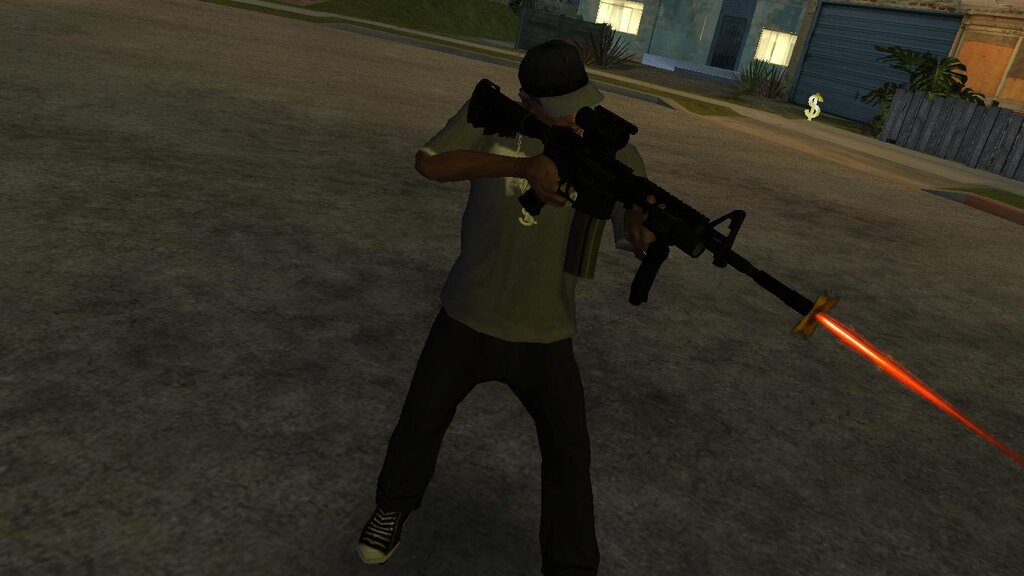
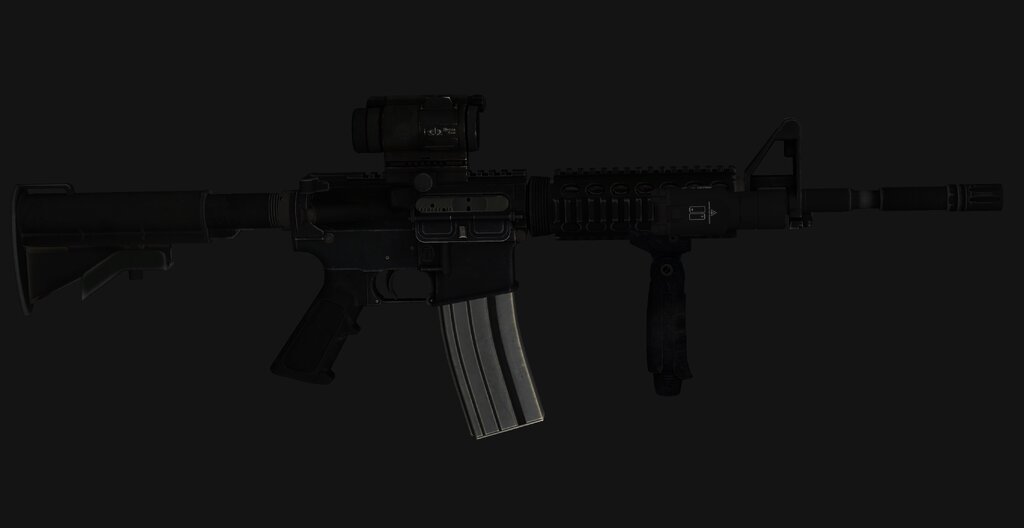
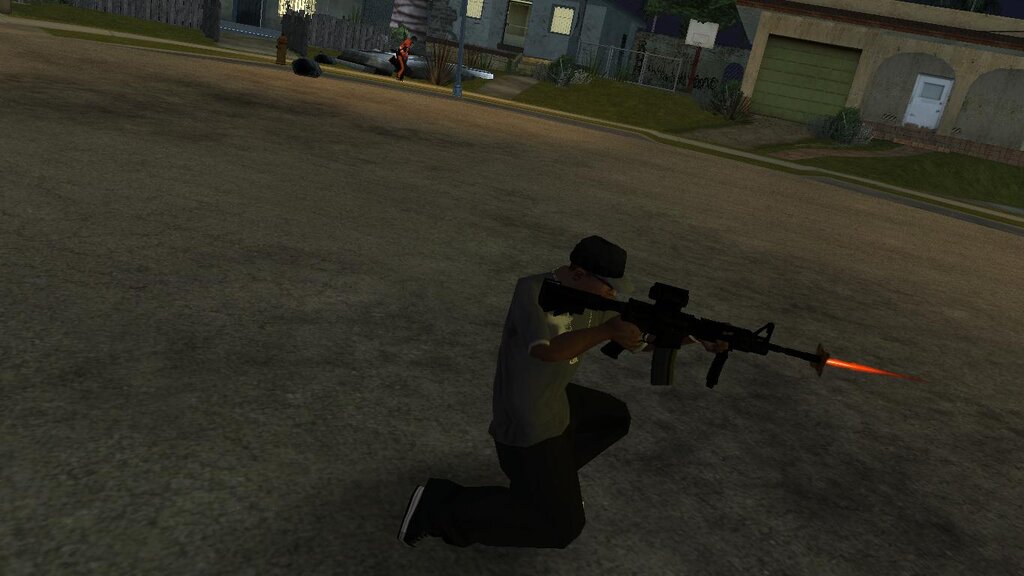
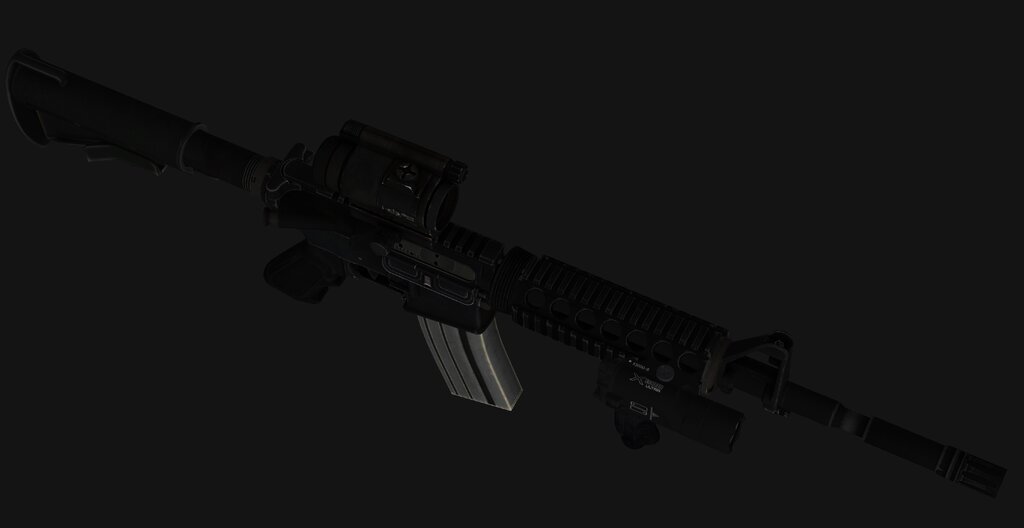
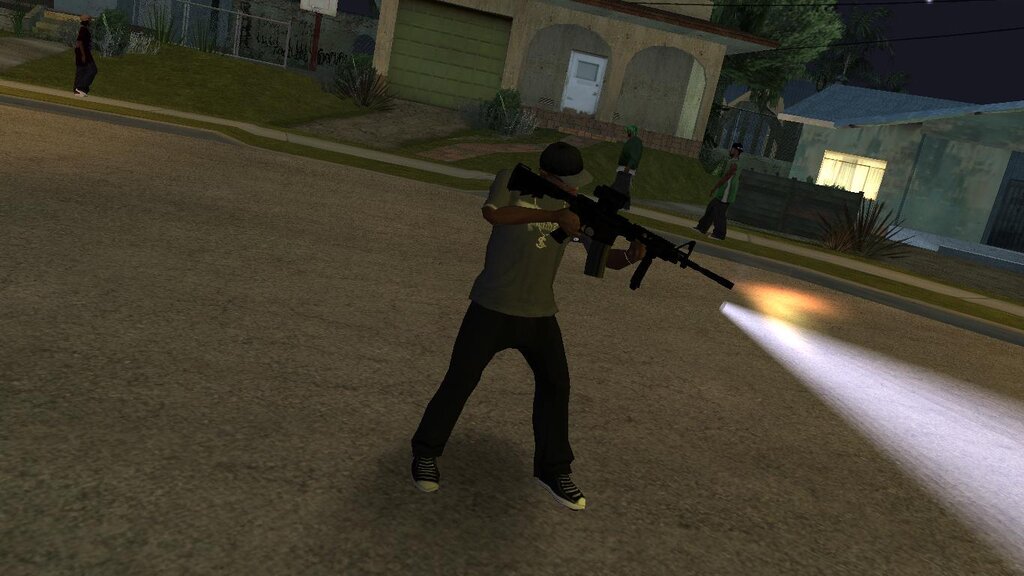
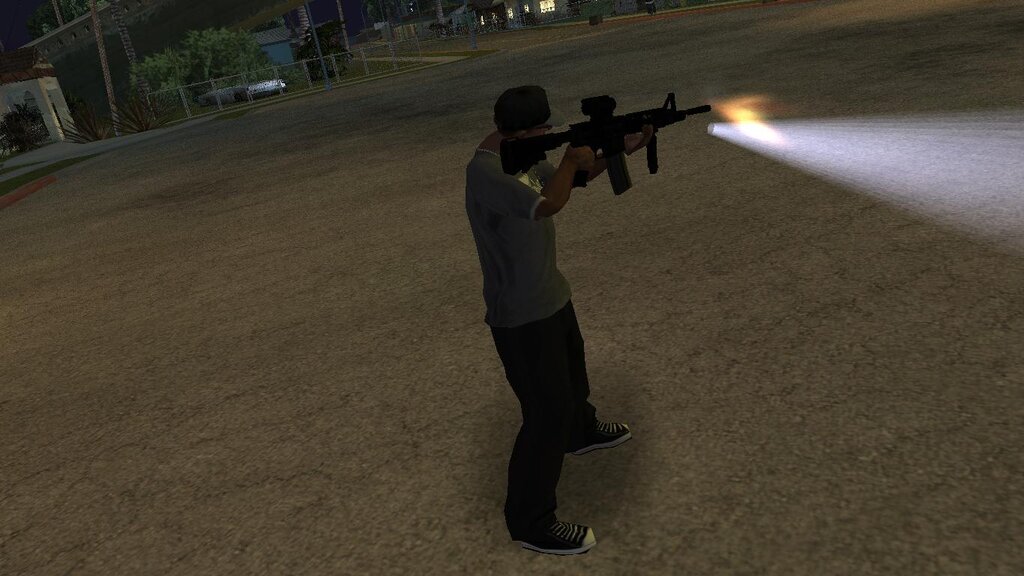
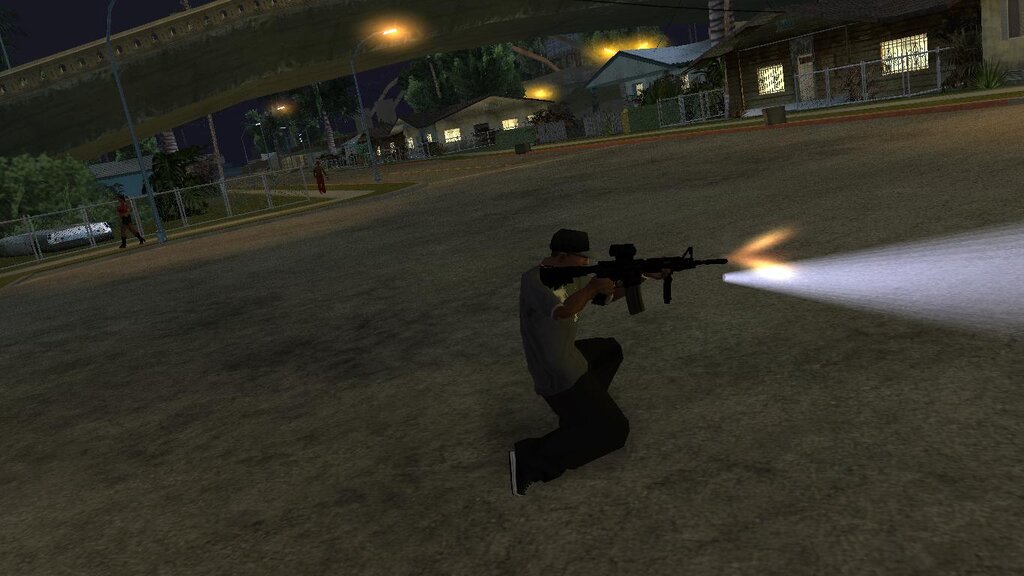
M4A1 - Version 2
- N4SPEED GTA | di-upload oleh N4SPEED GTA
- 11/14/2026
- 63 Jumlah download
Rating:
Login dulu, ya.
Favorit:
4.15Mb
Video
Belum ada video yang ditambahkan.Kamu harus login untuk menambahkan video ke mod ini.
Deskripsi
The weapon has been modified with the addition of a scope and a flashlight, making it resemble the M4 rifle from the series The Walking Dead.
Features:
-High quality models and textures.
-Increased damage, accuracy and clip capacity.
-Compatible with both PC and Android.
Installation instructions:
For PC:
-Make a backup copy of your game files before starting the installation.
-Use the "IMG TOOL" program and go to the path:(C, D, E... etc.)\GTA San Andreas\models\gta3.img.
-In the gta3.img file, find m4.dff and m4.txd, replace them with new files from the archive.
For ANDROID:
-Using the "GTA IMG Tool" open the path:Android/data/com.rockstargames.gtasa/files/texdb/.
-In the gta3.img file, replace m4.dff.
-Use the "TXD Tool" to open gta3.txt, select "Import from TXD archives" and replace the old files.
-Launch the game and enjoy
For ANDROID 11 and above users:
-To install and run the mods, you must first use a GTA application with full system file access privileges. You also need a file manager that supports this feature to transfer the necessary files.
-Now navigate to the game folder and copy the "Texdb" folder. Move it outside the system root to bypass the block. Create a folder to place the copied file in.
-Now you can add the modification as usual. Once finished, move the file to the game folder and make sure the process was completed correctly.
-Finally, launch the game and enjoy!
Notes:
-For android when you import the textures make you sure slected (Correct capital letters in name).
-To take advantage of the weapon's scope and flashlight features, download and install the mod from this link:
https://files.gtainside.com/201403/1394520804_Light Gun.rar
Komentar
Sudah ada 0 komentar.