San Andreas / Senjata / Senjata api
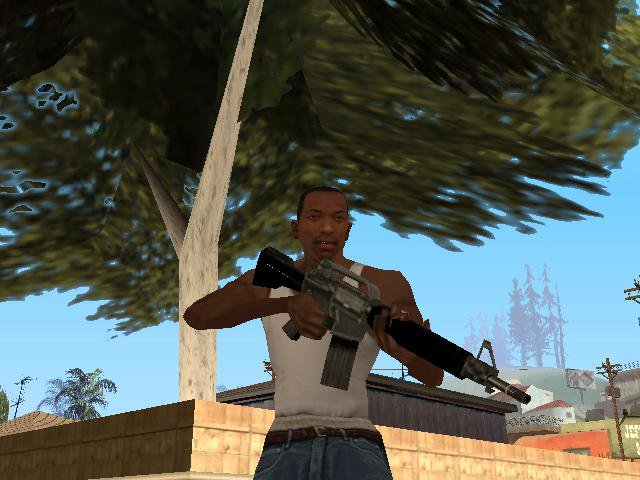
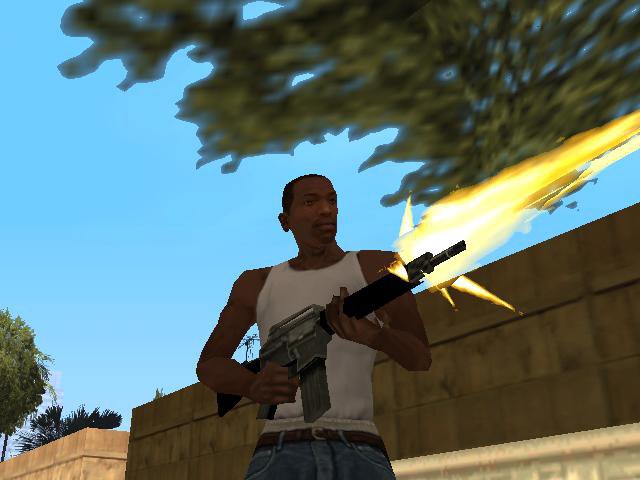
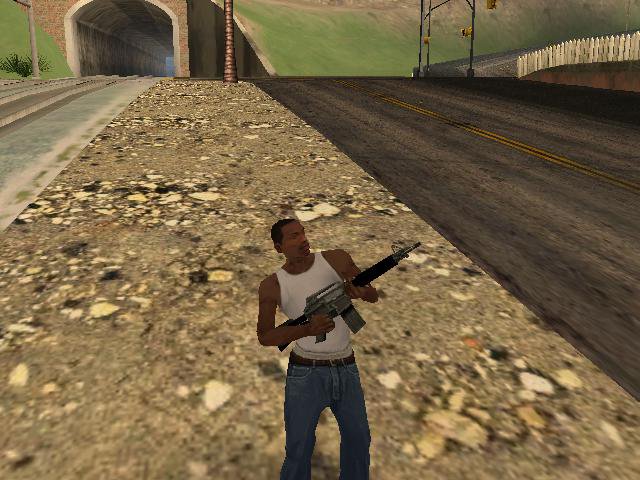
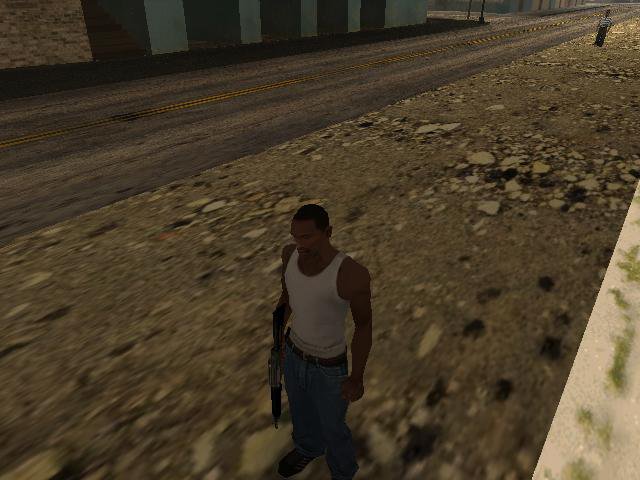
M4
- Lithma | di-upload oleh Lithma
- 11/20/2015
- 4611 Jumlah download
Rating:
Login dulu, ya.
Favorit:
Videos
Belum ada video yang ditambahkan.Kamu harus login untuk menambahkan video ke mod ini.
Deskripsi
=========
GTA San Andreas
=========
======
:Install: {From txdworkshop}
======
1.Choose "From IMG Tool" or "From txdworkshop" folder and open it.
2.Ex:From txdworkshop,you need TXD Workshop tool,download it here:http://www.gtagarage.com/mods/show.php?id=8320
3.Open TXD Workshop,Click "Open IMG" and scroll down until you get the name "m4.txd" then click it.
4.Click "M4icon" and click "Import" then brwose and replace it with my one.
5.Do the same to the "gun_m4".
6.Then click "Save TXD".
======
:Install: {From IMG Tool}
======
1.Download IMG Tool and Click "Open" then browse and choose "gta3.img".
2.Find "m4.txd" and replace it with my one.
Have Fun!
Download and Play!
Mod by - Lithma
GTA San Andreas
=========
======
:Install: {From txdworkshop}
======
1.Choose "From IMG Tool" or "From txdworkshop" folder and open it.
2.Ex:From txdworkshop,you need TXD Workshop tool,download it here:http://www.gtagarage.com/mods/show.php?id=8320
3.Open TXD Workshop,Click "Open IMG" and scroll down until you get the name "m4.txd" then click it.
4.Click "M4icon" and click "Import" then brwose and replace it with my one.
5.Do the same to the "gun_m4".
6.Then click "Save TXD".
======
:Install: {From IMG Tool}
======
1.Download IMG Tool and Click "Open" then browse and choose "gta3.img".
2.Find "m4.txd" and replace it with my one.
Have Fun!
Download and Play!
Mod by - Lithma
Komentar
Sudah ada 2 komentar.



 Shoot like this.