San Andreas / Trainer
Zolika1351's Native Trainer/Mod Menu
- Zolika1351 | di-upload oleh Zolika1351
- 08/04/2018
- 361554 Jumlah download
Rating:
Login dulu, ya.
Favorit:
Videos
Belum ada video yang ditambahkan.Kamu harus login untuk menambahkan video ke mod ini.
Deskripsi
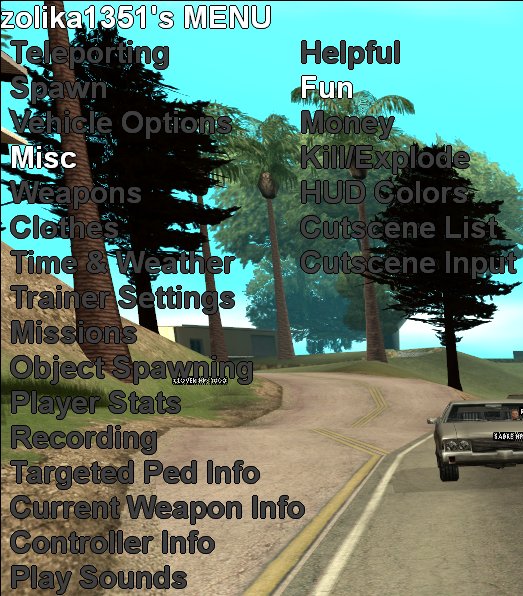
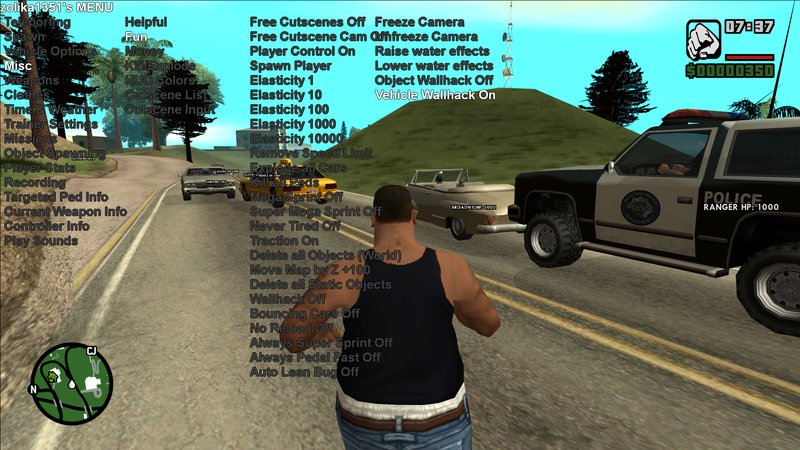
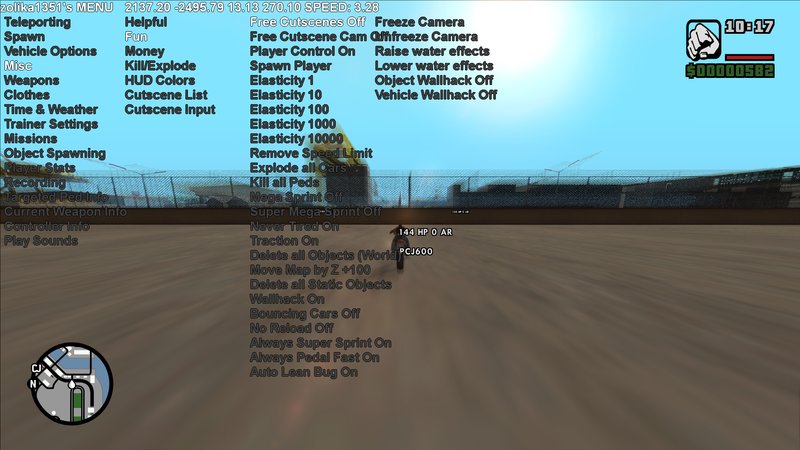
This is a type of trainer that hasn't been made before for 3D era games (at least not to my knowledge), very similar to a typical trainer for GTA IV. It also supports objects.ini save/load so you can finally make giant ramps and share them with people like you can on IV. This trainer is compatible with VCS PC, all you need to do is change the Game value in the .ini to VCS
Notable features:
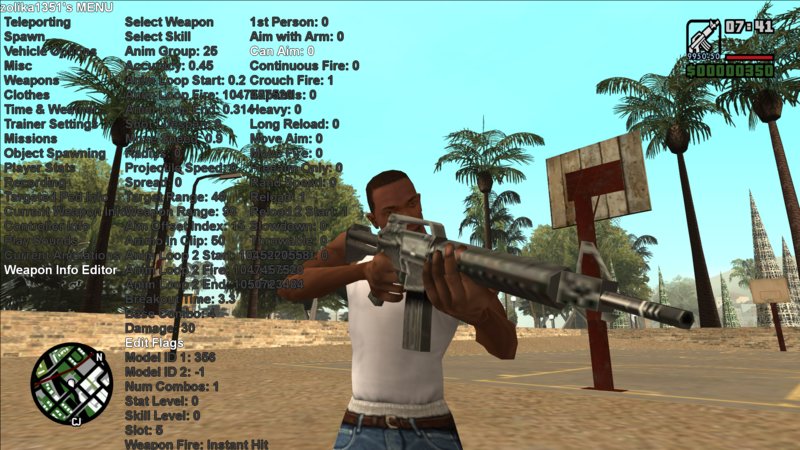
Real-time weapon editor
Play cutscenes
Change stats with immediate effect (including fat, muscle, etc)
Show currently playing animations
Change colors of the HUD on the fly with ini save/load support
Auto-spam sprint and BMX pedal
Object Spawning with objects.ini save/load support
Car Recordings (with .ini save/load)
Set weapon skill
Change car model on the fly
Normal camera in actual cutscenes
Set interior ID
Set any font (I mean ANY, even custom .ttf/.otf files that you've installed)
Notable features:
Real-time weapon editor
Play cutscenes
Change stats with immediate effect (including fat, muscle, etc)
Show currently playing animations
Change colors of the HUD on the fly with ini save/load support
Auto-spam sprint and BMX pedal
Object Spawning with objects.ini save/load support
Car Recordings (with .ini save/load)
Set weapon skill
Change car model on the fly
Normal camera in actual cutscenes
Set interior ID
Set any font (I mean ANY, even custom .ttf/.otf files that you've installed)
Komentar
Sudah ada 75 komentar.




 :
:








10/10/2020 17:27
Can someone help me?
I have put all the required files into my main SA folder and I changed the start key to 107 which is numpad+ and I press it and nothing happens.
Here is some more information that might be useful:
I have the latest steam version of SA
I downloaded the latest version of cleo from the cleo website
Maybe one of the above things are stopping from working?
Please let me know.
Thanks.
Kutip | Balas | (2)
Can someone help me?
I have put all the required files into my main SA folder and I changed the start key to 107 which is numpad+ and I press it and nothing happens.
Here is some more information that might be useful:
I have the latest steam version of SA
I downloaded the latest version of cleo from the cleo website
Maybe one of the above things are stopping from working?
Please let me know.
Thanks.
Kutip | Balas | (2)



04/20/2020 00:46
Kutip | Balas | (3)
Quote: fan script
god trainer
i also do such trainers
i tested this trainer
work god better as first version
but have crash in some options
how to open
you can change start key in ini file
selecting options
up num 8
down num 2
change value
left num 4
num 6 right
accept options num 5
back num 0
num this numpad
Kutip | Balas | (3)





09/03/2019 23:30
god trainer
i also do such trainers
i tested this trainer
work god better as first version
but have crash in some options
how to open
you can change start key in ini file
selecting options
up num 8
down num 2
change value
left num 4
num 6 right
accept options num 5
back num 0
num this numpad
Kutip | Balas | (6)
god trainer
i also do such trainers
i tested this trainer
work god better as first version
but have crash in some options
how to open
you can change start key in ini file
selecting options
up num 8
down num 2
change value
left num 4
num 6 right
accept options num 5
back num 0
num this numpad
Kutip | Balas | (6)