San Andreas / Mod / Mod CLEO
Third Person Shooting Game Camera view
- ashslow | di-upload oleh ashslow
- ashslowgameblog.blog.fc2.co...
- 07/14/2013
- 33025 Jumlah download
Rating:
Login dulu, ya.
Favorit:
Download
10.10Mb
10.10Mb
Videos

Kamu harus login untuk menambahkan video ke mod ini.
Deskripsi
Grand Theft Auto SanAndreas
Third Person Shooting Game Camera view
=============================================
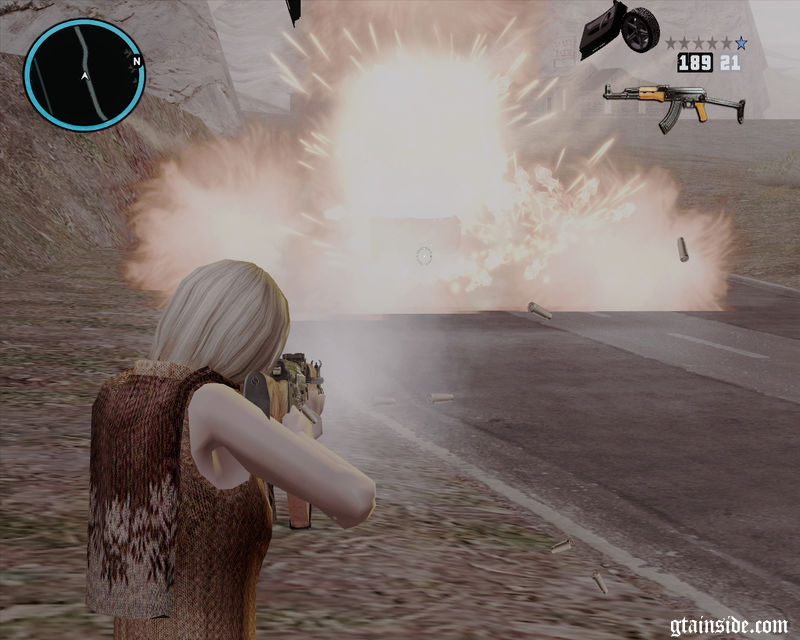
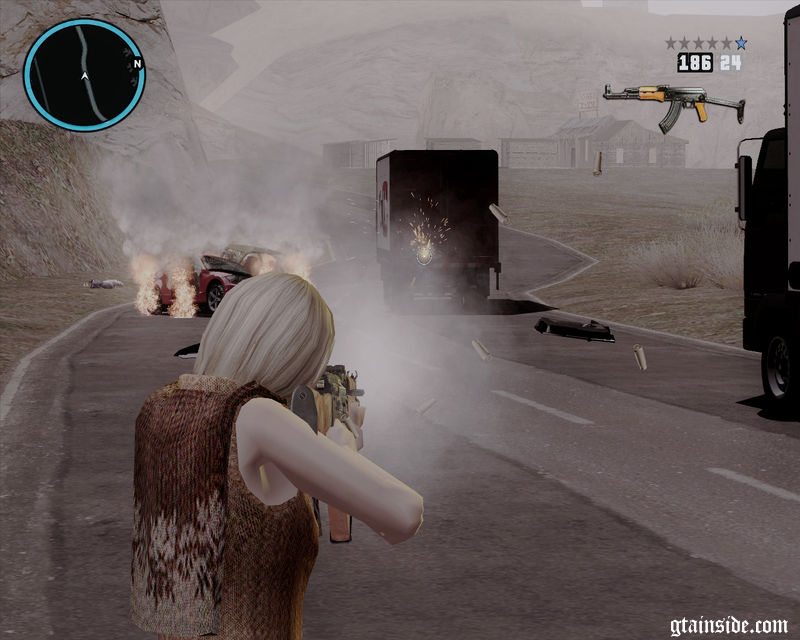
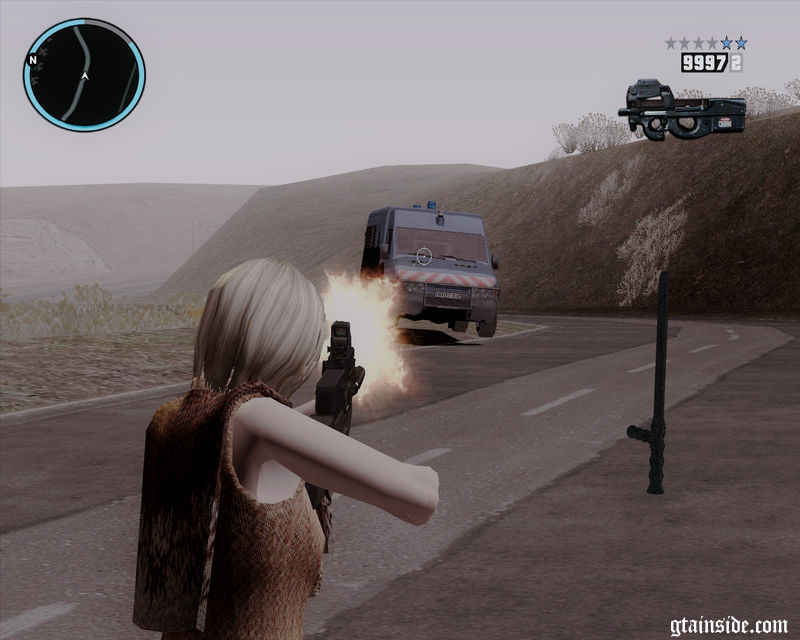
This CS will modify the default camera position.
- To zoom the camera at the normal time.
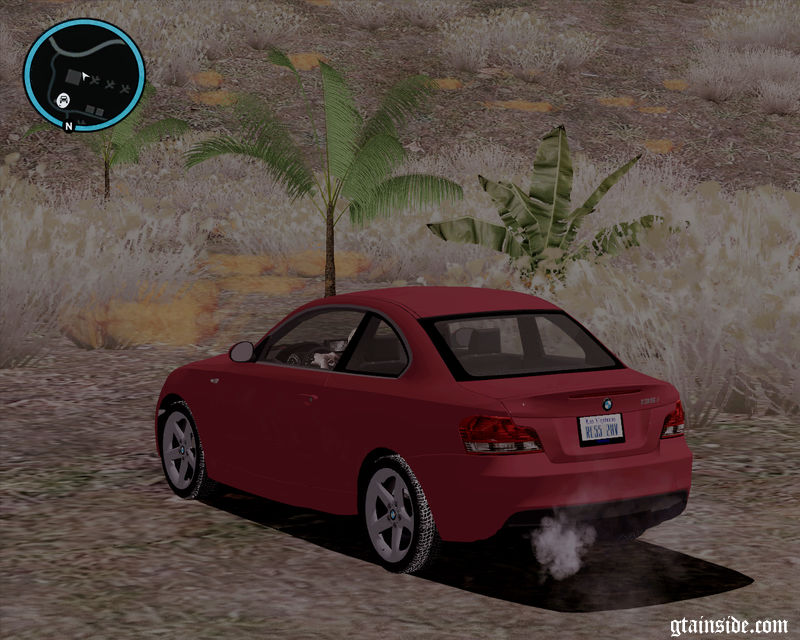
- To zoom the camera when riding car.
Weapon angle will be applied to all weapons exclude a sniper rifle and RPG (heatseek).
=============================================
how to install
requires CLEO 3 or CLEO 4 Library
=============================================
Third Person Shooting Game Camera.CS → add files in CLEO folder
=============================================
Because I am not good at English, I explain it as possible simply.
I hope that my bad English is understood.
To work such as screenshots, please switch to the camera angle 3.
switch the change the camera. ( default type key V )
Look at my blog for more information.
http://ashslowgameblog.blog.fc2.com/blog-entry-477.html
=============================================
Third Person Shooting Game Camera view
author ashslow
http://ashslowgameblog.blog.fc2.com/blog-entry-477.html
Enjoy! :)
Third Person Shooting Game Camera view
=============================================
This CS will modify the default camera position.
- To zoom the camera at the normal time.
- To zoom the camera when riding car.
Weapon angle will be applied to all weapons exclude a sniper rifle and RPG (heatseek).
=============================================
how to install
requires CLEO 3 or CLEO 4 Library
=============================================
Third Person Shooting Game Camera.CS → add files in CLEO folder
=============================================
Because I am not good at English, I explain it as possible simply.
I hope that my bad English is understood.
To work such as screenshots, please switch to the camera angle 3.
switch the change the camera. ( default type key V )
Look at my blog for more information.
http://ashslowgameblog.blog.fc2.com/blog-entry-477.html
=============================================
Third Person Shooting Game Camera view
author ashslow
http://ashslowgameblog.blog.fc2.com/blog-entry-477.html
Enjoy! :)
Komentar
Sudah ada 6 komentar.






07/14/2013 15:29
@Citroman2010
no, It is the CLEO different.
Because I am not good at English, I explain it as possible simply.
I hope that my bad English is understood.
To work such as screenshots, please switch to the camera angle 3.
switch the change the camera. ( default type key V )
Look at my blog for more information.
http://ashslowgameblog.blog.fc2.com/blog-entry-477.html
Kutip | Balas | (0)
@Citroman2010
no, It is the CLEO different.
Because I am not good at English, I explain it as possible simply.
I hope that my bad English is understood.
To work such as screenshots, please switch to the camera angle 3.
switch the change the camera. ( default type key V )
Look at my blog for more information.
http://ashslowgameblog.blog.fc2.com/blog-entry-477.html
Kutip | Balas | (0)