San Andreas / Android/iOS / Senjata
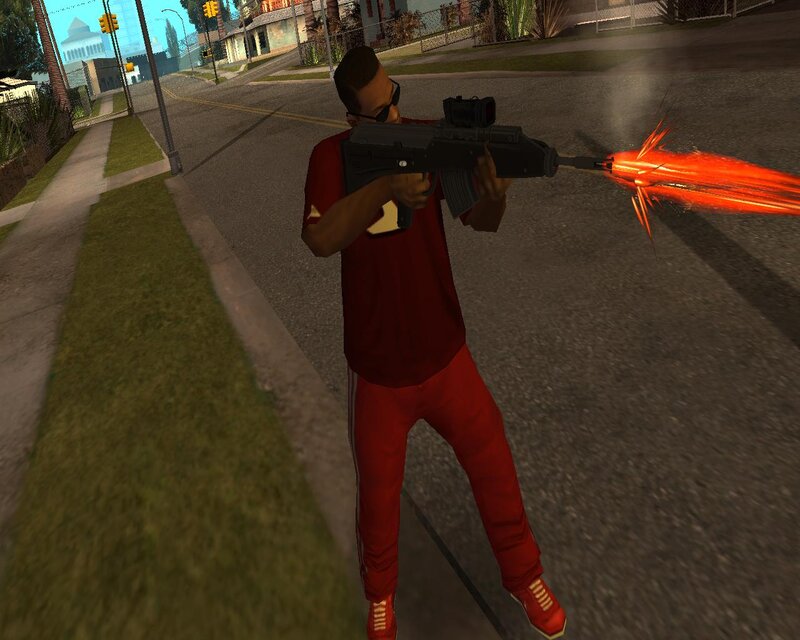
Plasma Rifle TC2000-R for Mobile
- N4SPEED GTA | di-upload oleh N4SPEED GTA
- 12/12/2025
- 1873 Jumlah download
Rating:
Login dulu, ya.
Favorit:
Videos
Belum ada video yang ditambahkan.Kamu harus login untuk menambahkan video ke mod ini.
Deskripsi
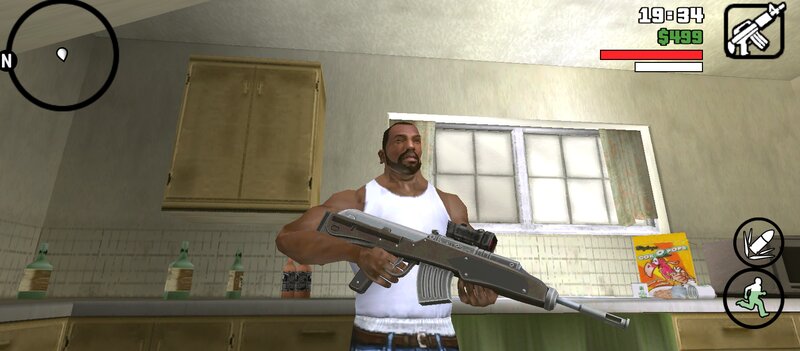
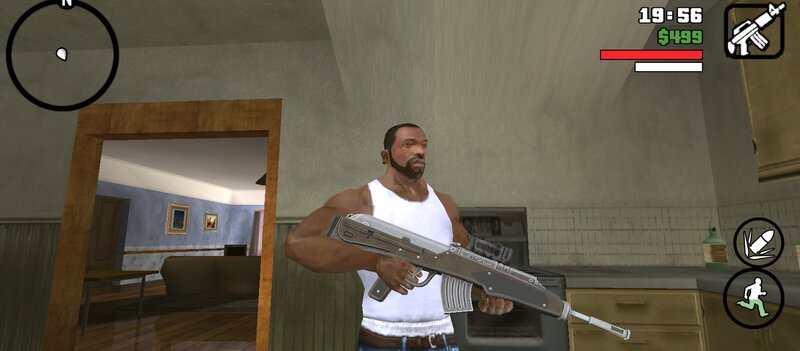
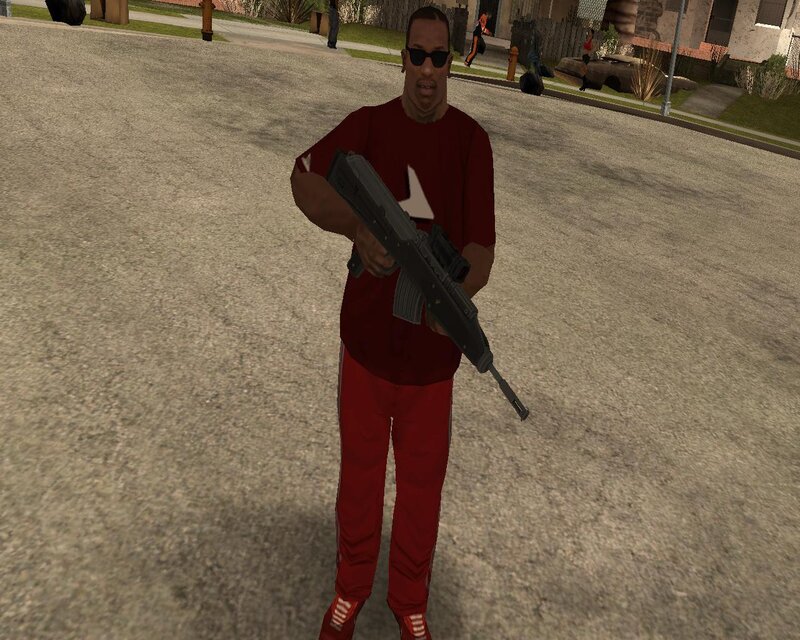
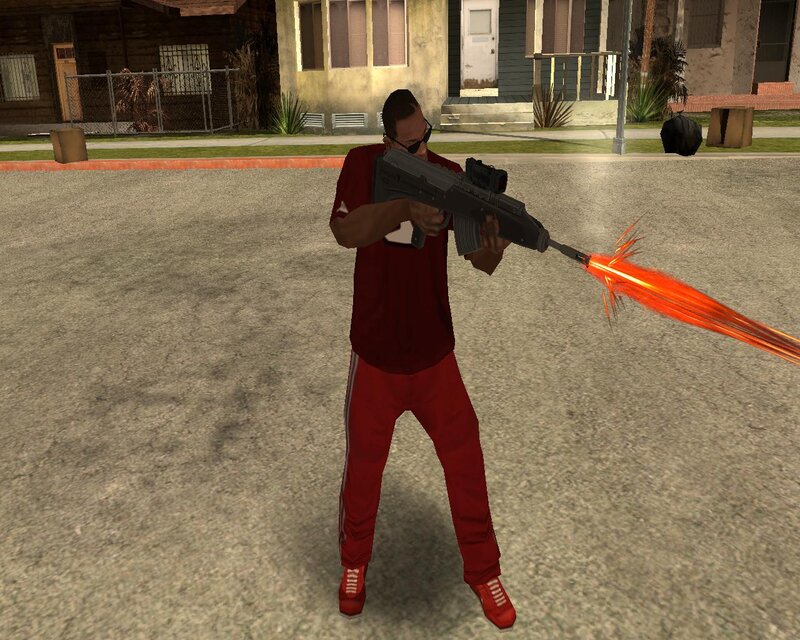
Add to GTA: San Andreas new powerful weapon from the game Terminator: Resistance. The weapon has improved characteristics and fits perfectly into the gameplay.
About the gun:
The Plasma Rifle TC2000-R is a standard issued first generation plasma rifle manufactured and used by the human Resistance.
Features:
-High quality textures and models.
-Increased damage, accuracy and clip capacity.
-Compatible with both PC and Android.
INSTALLATION INSTRUCTIONS:
For PC:
-Make a backup copy of your game files before starting the installation.
-Use the "IMG TOOL" program and go to the path:(C, D, E... etc.)\GTA San Andreas\models\gta3.img.
-In the gta3.img file, find m4.dff and m4.txd, replace them with new files from the archive.
-Go to the data folder and replace weapon.dat file.
For ANDROID:
-Using the "GTA IMG Tool" open the path:Android/data/com.rockstargames.gtasa/files/texdb/.
-In the gta3.img file, replace m4.dff.
-Use the "TXD Tool" to open gta3.txt, select "Import from TXD archives" and go to the data folder to replace the old files.
-Launch the game and enjoy
About the gun:
The Plasma Rifle TC2000-R is a standard issued first generation plasma rifle manufactured and used by the human Resistance.
Features:
-High quality textures and models.
-Increased damage, accuracy and clip capacity.
-Compatible with both PC and Android.
INSTALLATION INSTRUCTIONS:
For PC:
-Make a backup copy of your game files before starting the installation.
-Use the "IMG TOOL" program and go to the path:(C, D, E... etc.)\GTA San Andreas\models\gta3.img.
-In the gta3.img file, find m4.dff and m4.txd, replace them with new files from the archive.
-Go to the data folder and replace weapon.dat file.
For ANDROID:
-Using the "GTA IMG Tool" open the path:Android/data/com.rockstargames.gtasa/files/texdb/.
-In the gta3.img file, replace m4.dff.
-Use the "TXD Tool" to open gta3.txt, select "Import from TXD archives" and go to the data folder to replace the old files.
-Launch the game and enjoy
Komentar
Sudah ada 0 komentar.