GTA IV / Skin / Set pakaian
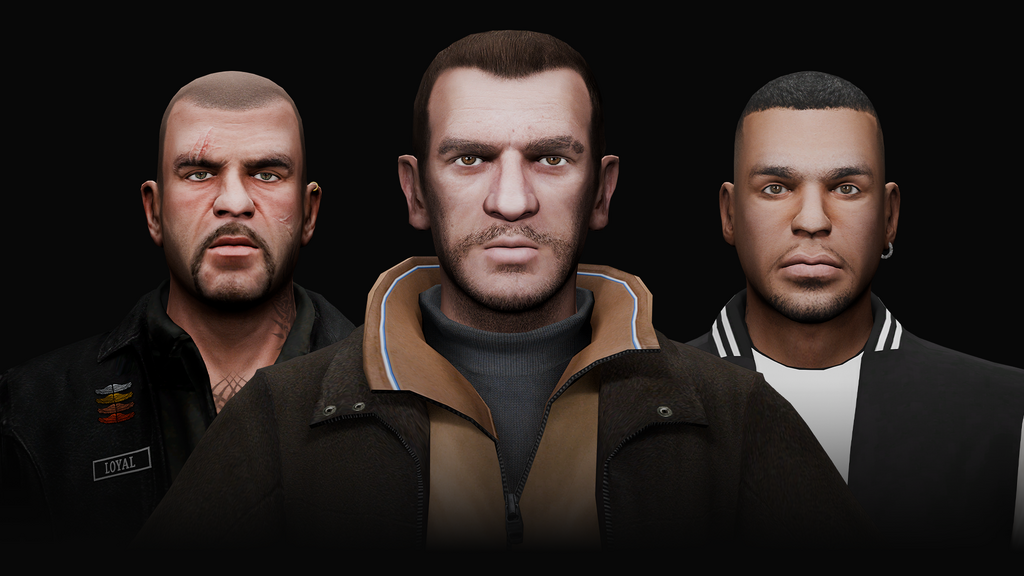
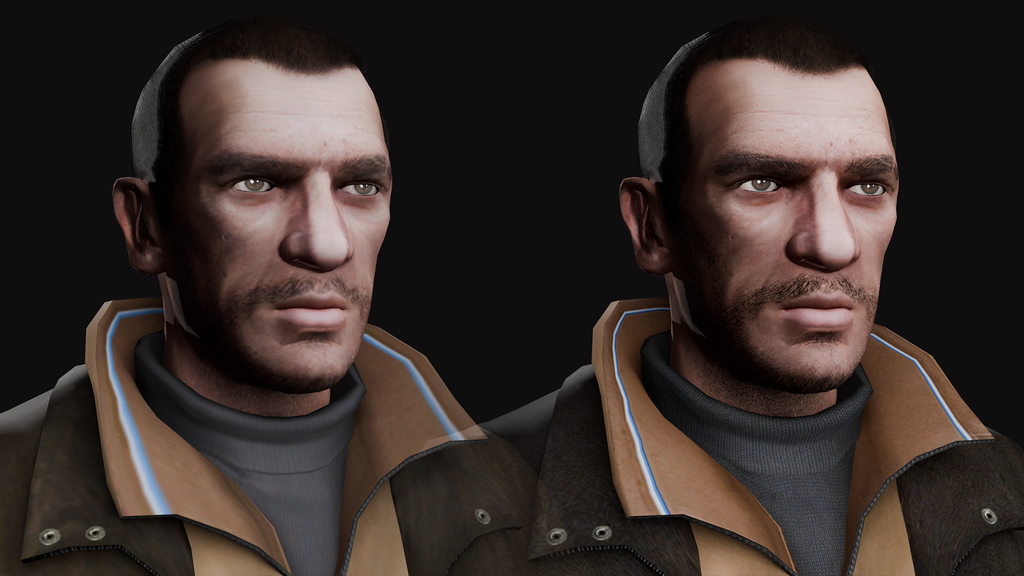
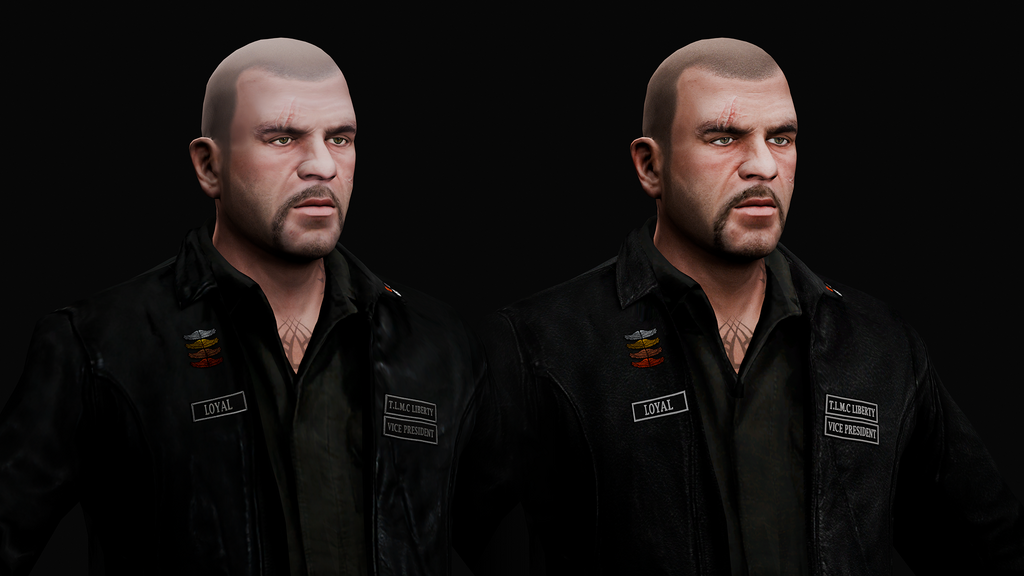
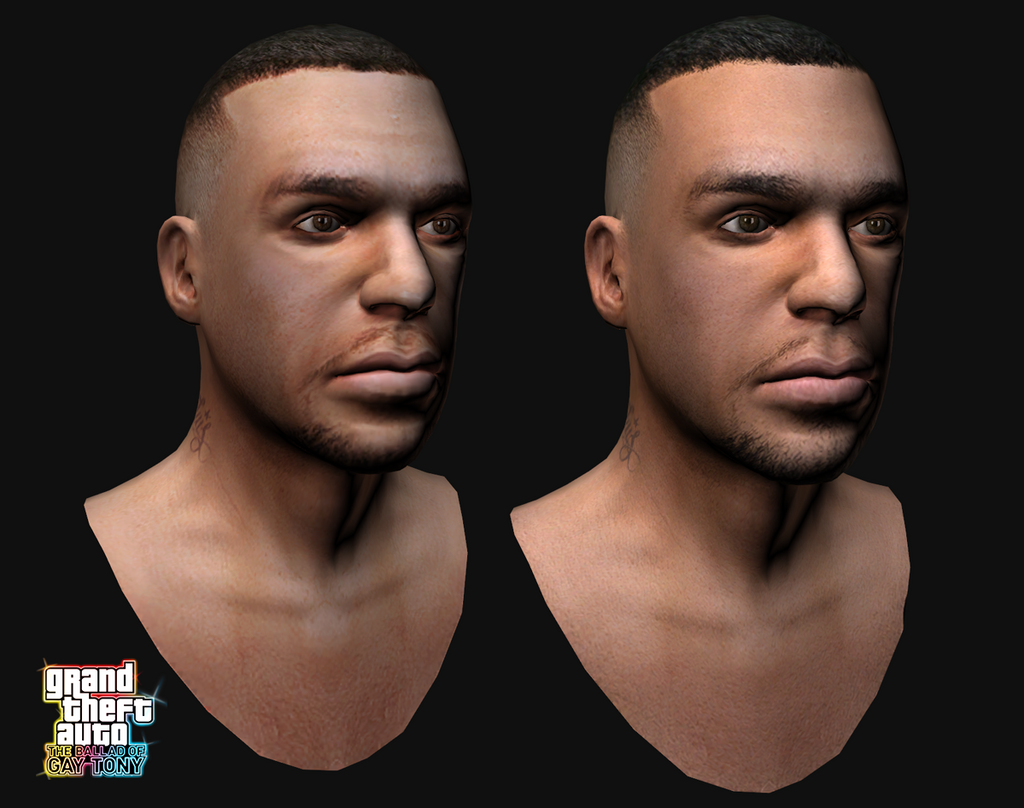
Remastered Protagonists Textures - Niko, Johnny, Luis
- emil.makeev | di-upload oleh emil.makeev
- 08/22/2026 (Pembaruan terakhir: 10/21/2026)
- 1128 Jumlah download
Rating:
Login dulu, ya.
Favorit:
Video
Belum ada video yang ditambahkan.Kamu harus login untuk menambahkan video ke mod ini.
Deskripsi
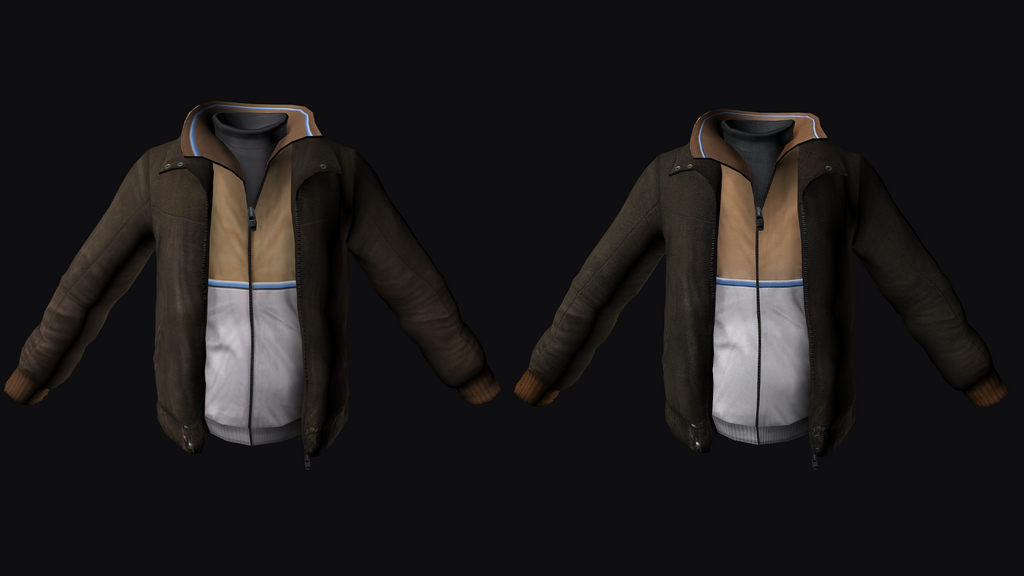
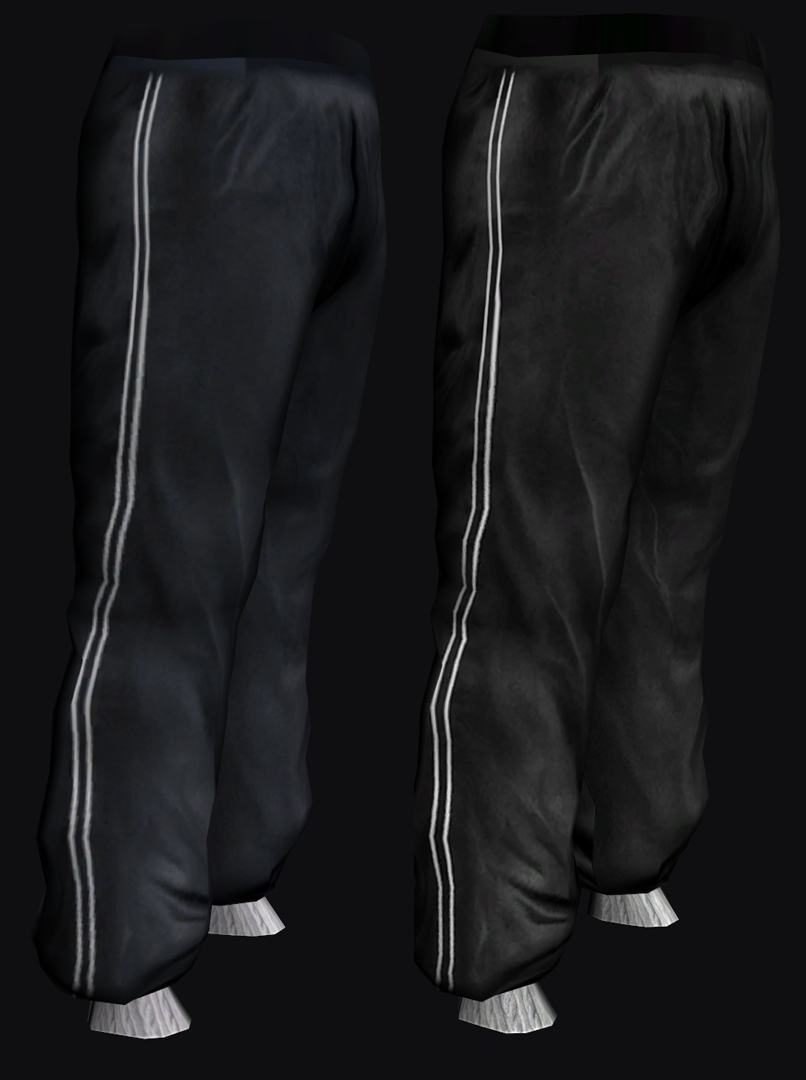
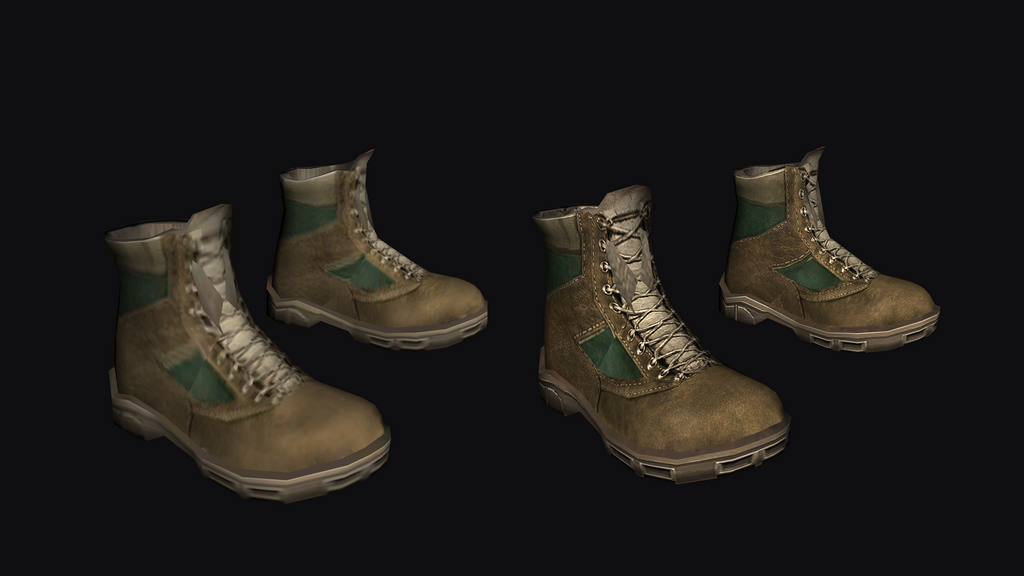
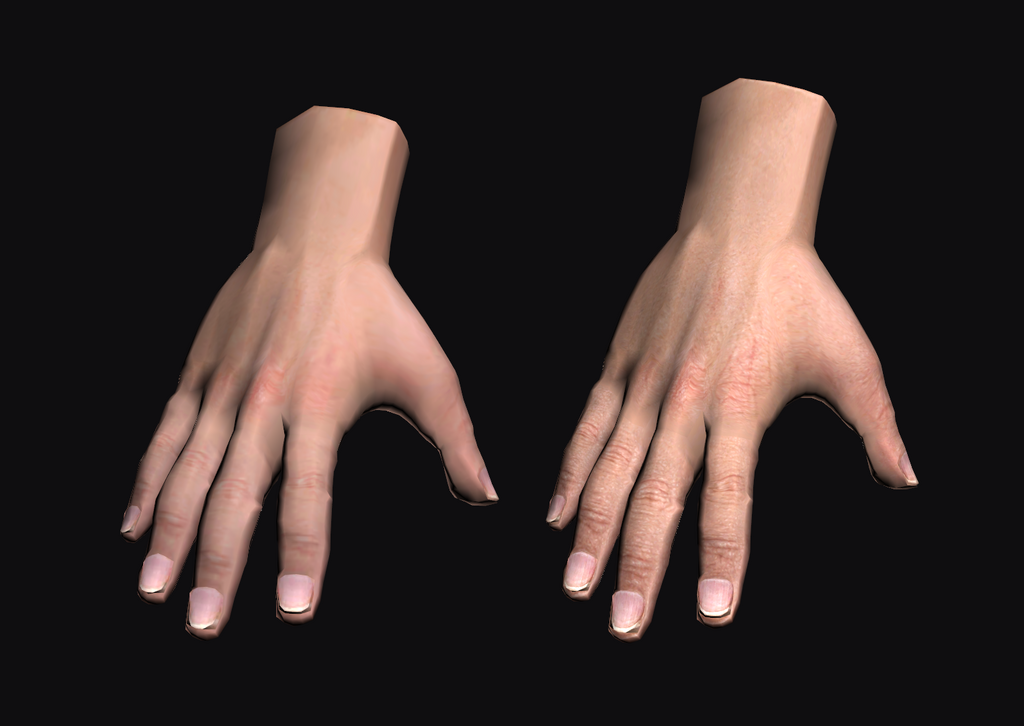
Modification offers a complete replacement of the textures with high‑quality ones, without changing the style of the original ones.
To upscale the textures, the ChatGPT neural network was used, followed by further manual processing — adjusting saturation and contrast, adding details, changing the arrangement of texture parts, and redrawing them.
Installation:
1. If you want to change ONLY Niko’s textures:
1.1. Go to: Remastered_Protagonist_Textures/Files/GTA IV. Copy playerped.rpf from there and replace it along the path: GTA IV/pc/models/cdimages/
1.2. Replace the file player_p.wtd along the path: GTA IV/pc/models/cdimages/pedprops.img using OpenIV.
2. If you want to change the main characters of the DLC as well:
2.1. Go to: Remastered_Protagonist_Textures/Files/GTA IV EFLC (TLAD, TBoGT).
[TLAD]
Copy from the TLAD playerped.rpf folder and replace along the way: GTA IV\TLAD\pc\models\cdimages
Important! If you are using FusionFix, then perform the replacement using the following path: GTA IV\update\TLAD\pc\models\cdimages.
[TBoGT]
Copy playerped.rpf from the TBoGT folder and replace it using the following path: GTA IV\TBoGT\pc\models\cdimages.
Important! If you are using FusionFix, then perform the replacement in the following path: GTA IV\update\TBoGT\pc\models\cdimages.
Komentar
Sudah ada 1 komentar.