GTA IV / Sepeda motor / Sepeda motor
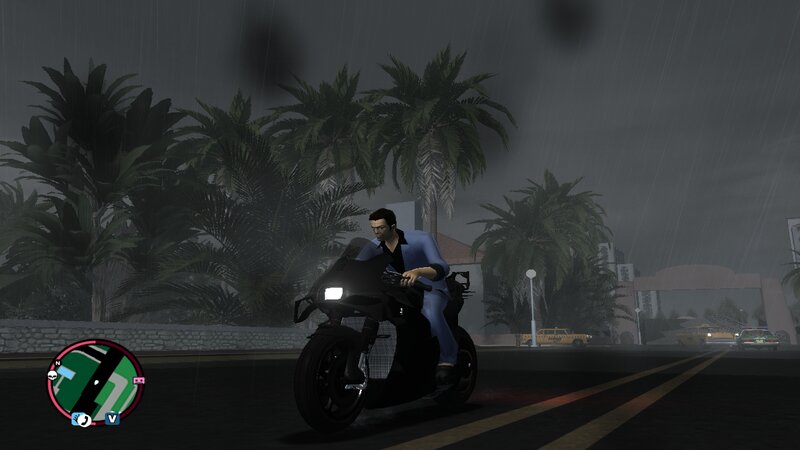
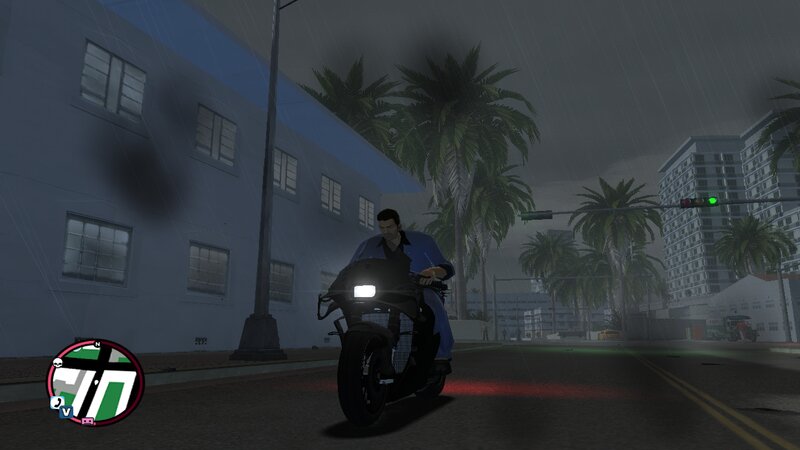
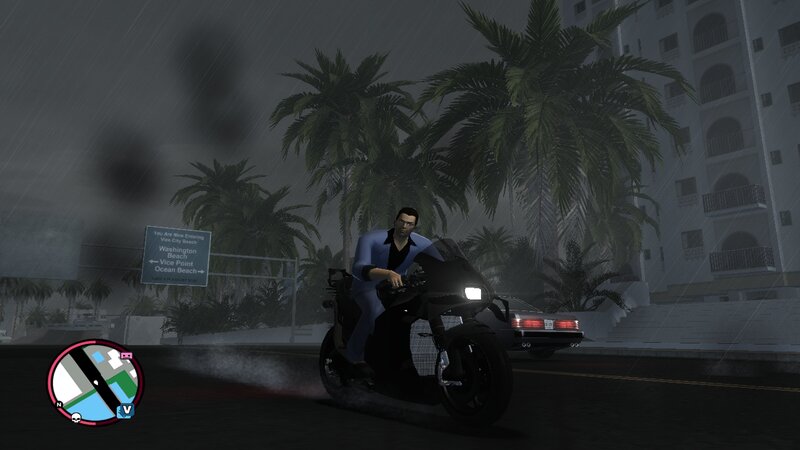
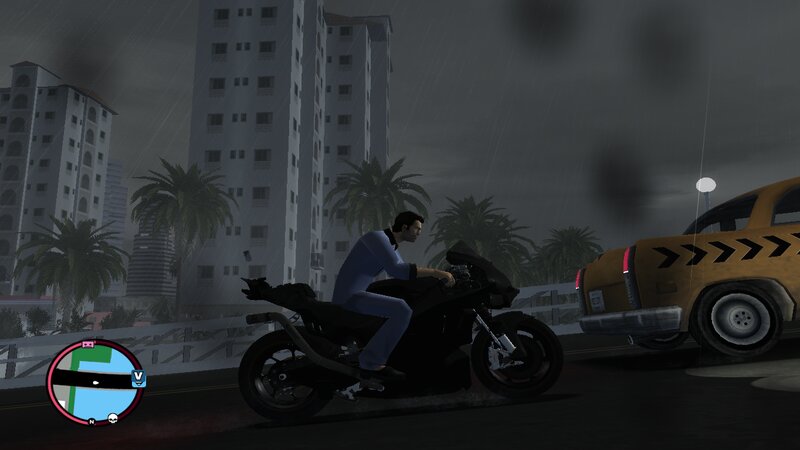
KTM RC 16
- N4SPEED GTA | di-upload oleh N4SPEED GTA
- 10/14/2025
- 2274 Jumlah download
Rating:
Login dulu, ya.
Favorit:
Videos
Belum ada video yang ditambahkan.Kamu harus login untuk menambahkan video ke mod ini.
Deskripsi
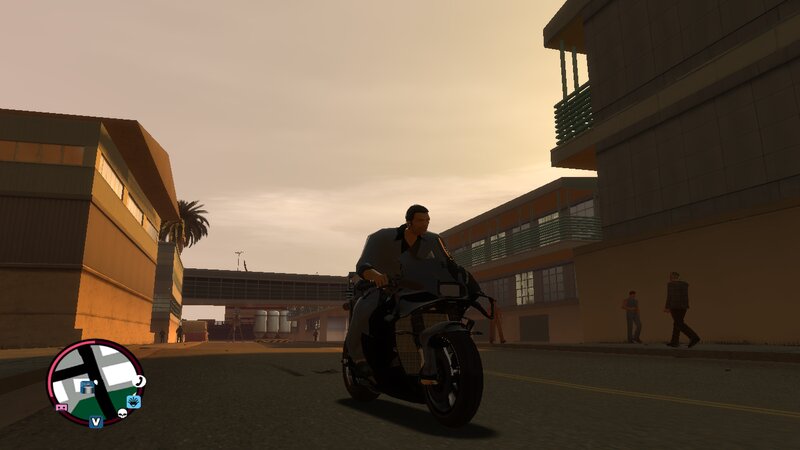
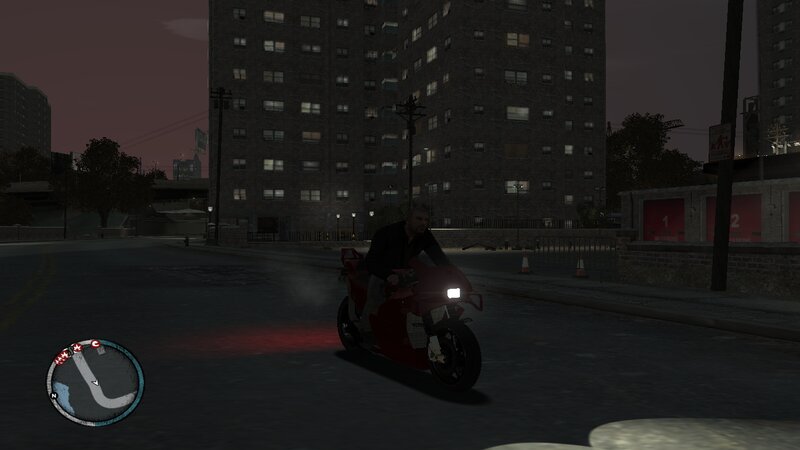
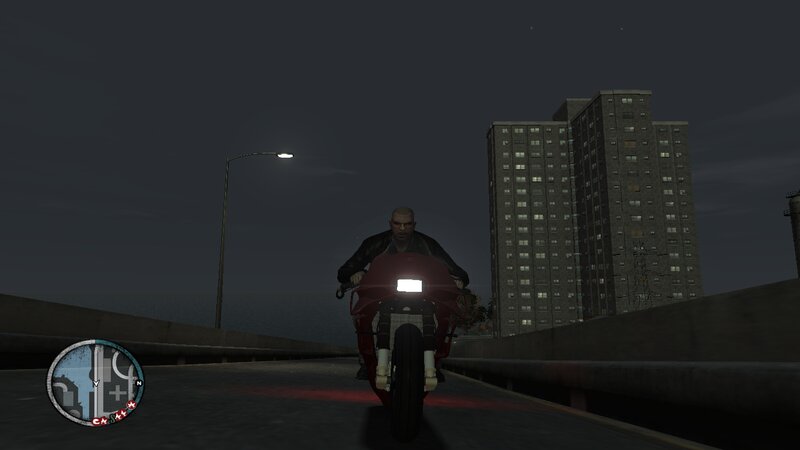
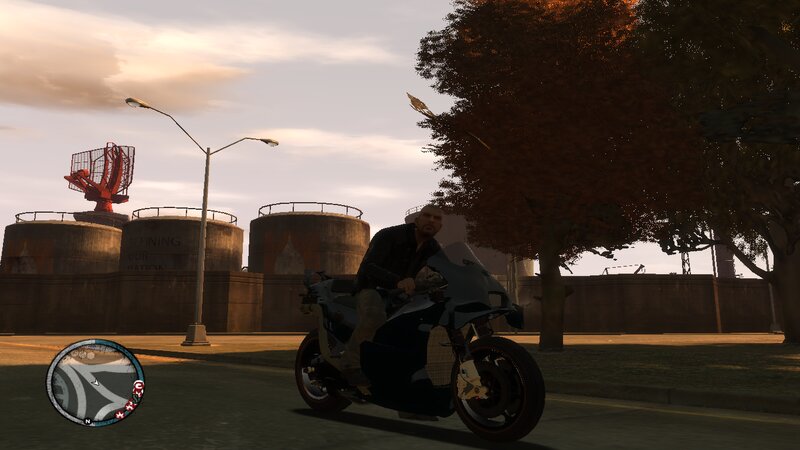
KTM RC-16
This modifications adds to GTA:IV and EFLC new bike from the game:MotoGP 25.
The new bike has improved characteristics and fits perfectly into the atmosphere of the game.
FEATURES:
-High quality models and textures.
-Supports all the main functions of the game.
-Improved handling for the new vehicle.
MORE DETAILS:
-Converted model from the game:MotoGP 25.
-Original bike: KTM Red Bull Factory Racing.
INSTALLATION INSTRUCTIONS:
1-With Open IV locate the game's installation folder and move to "pc/models/cdimages/(vehicles.img)".
2-Enable Edit mode under the File submenu,Then open "vehicles.img" to replace "NRG900.wft and NRG900.wtd".
3-Go to the data folder and open "handling.dat" with "Notepad" to replace the handling line.
4-Launch the game and enjoy your new bike!
NOTE:
Make a backup copy of your game files before starting the installation and follow all steps carefully to avoid mistakes.
This modifications adds to GTA:IV and EFLC new bike from the game:MotoGP 25.
The new bike has improved characteristics and fits perfectly into the atmosphere of the game.
FEATURES:
-High quality models and textures.
-Supports all the main functions of the game.
-Improved handling for the new vehicle.
MORE DETAILS:
-Converted model from the game:MotoGP 25.
-Original bike: KTM Red Bull Factory Racing.
INSTALLATION INSTRUCTIONS:
1-With Open IV locate the game's installation folder and move to "pc/models/cdimages/(vehicles.img)".
2-Enable Edit mode under the File submenu,Then open "vehicles.img" to replace "NRG900.wft and NRG900.wtd".
3-Go to the data folder and open "handling.dat" with "Notepad" to replace the handling line.
4-Launch the game and enjoy your new bike!
NOTE:
Make a backup copy of your game files before starting the installation and follow all steps carefully to avoid mistakes.
Komentar
Sudah ada 0 komentar.